


Showing posts with label Widgets. Show all posts
Showing posts with label Widgets. Show all posts
Tuesday, 9 July 2013
Floating Touch Apk Free Download Android Apps
Facebook must've known what it was doing with the launch of Chat Heads, but that feature has been duplicated in everything from custom ROMs to apps attempting to clone the feature. The newest app to take note of Facebook's chat application is Floating Touch (not, it's not that floating touch), an app that makes basically any toggle, navigation shortcut, or app just a tap away.
The concept behind Floating Touch is simple: a small, customizable floating toggle resides wherever you place it on the screen. Tapping that toggle launches a dial chock-full of useful shortcuts – it's sort of like Acer's "Ring," but far more customizable.

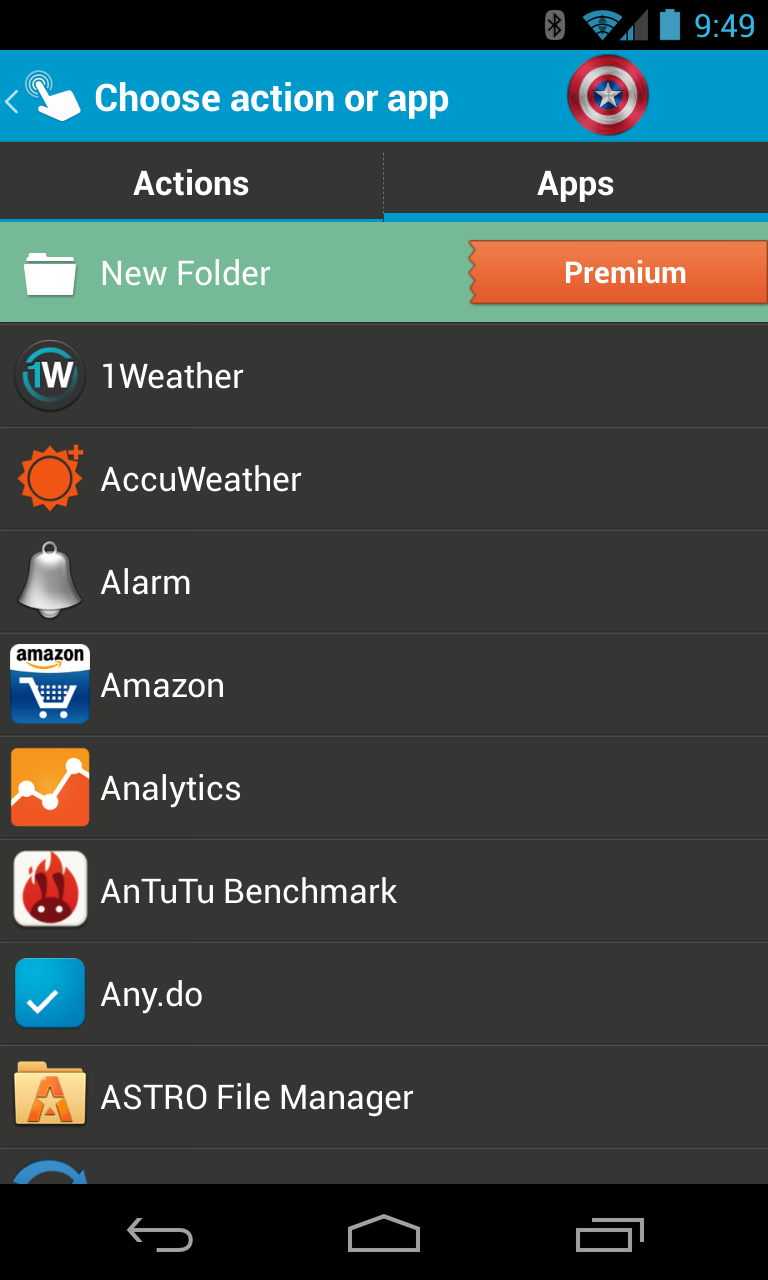
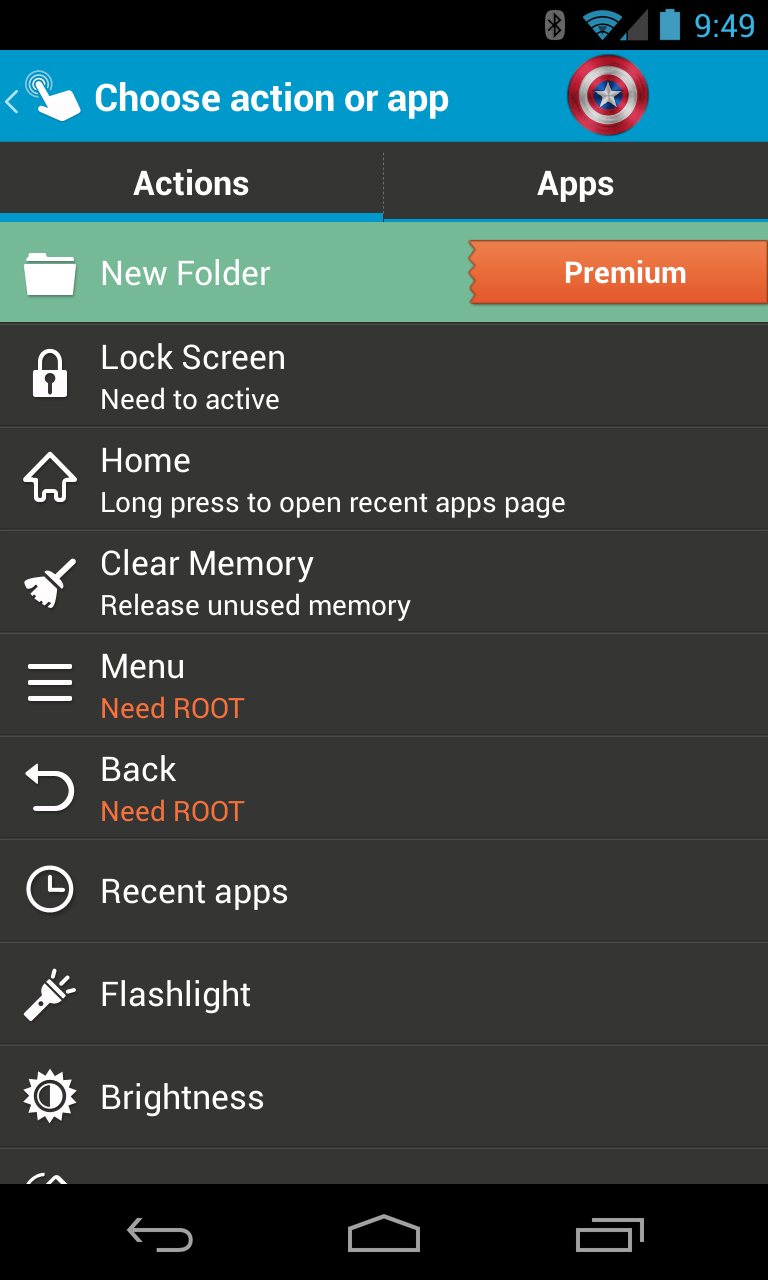
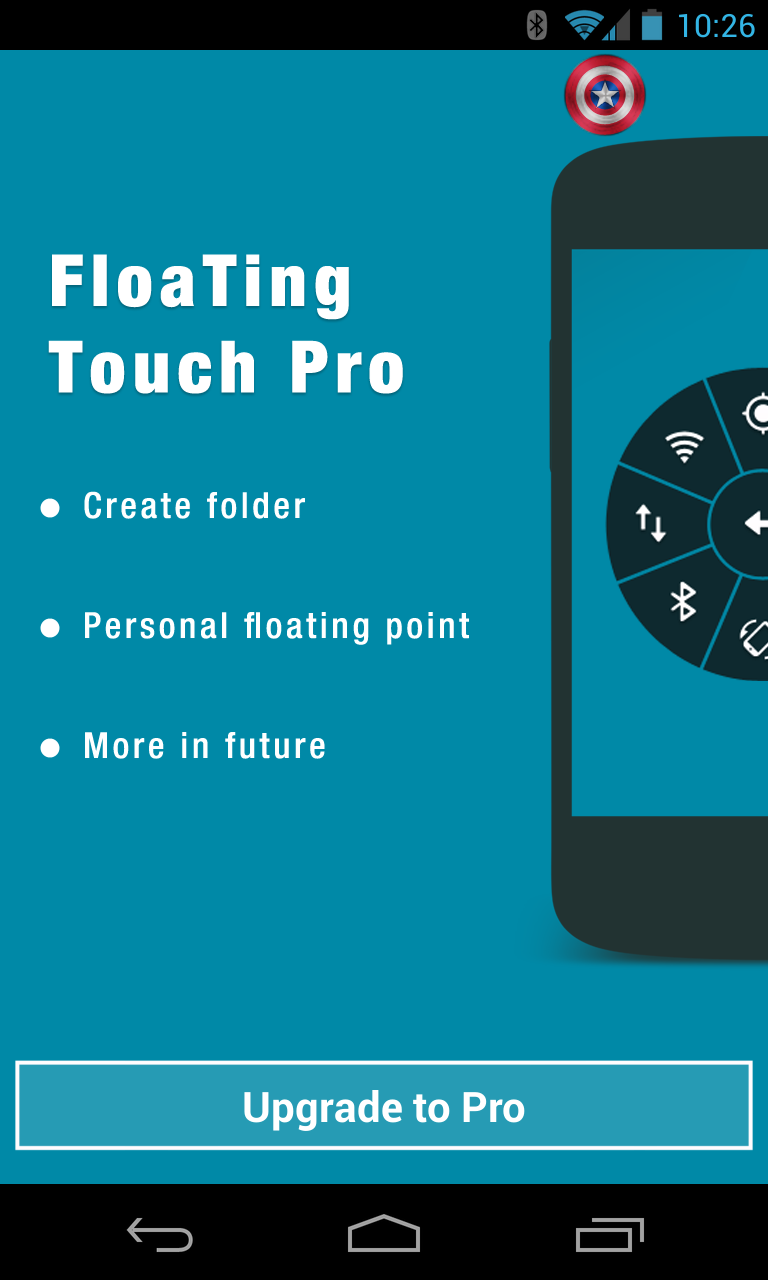
The dial has two different views: one for user-customizable navigation and app shortcuts, and one for radio, sync, and volume toggles – tapping the center button will flip between the two. Setup and customization is also quite intuitive and pleasant, with options for changing the color of the dial and floating icon (which includes Captain America's shield), along with full control of the options found within the dial itself.
While most tasks that can be executed from Floating Touch work without a hitch, there are a few exceptions: if you want to use the app to create a folder, you'll have to purchase the pro version (which is roughly $2); and things like activating the menu and back buttons require root access. Past those limitations, it's a free-for-all.


The only issue I found with Floating Touch was the response time – it took some actions a full 3-5 seconds to execute, while others were instant. I'm not sure if this is caused by the actions themselves, a delay in Floating Touch, or simply my lack of patience, but I thought it worth a mention.
Either way, Floating Touch is a unique app worth checking out – it's free in the Play Store, though as mentioned above, some more advanced actions will require the pro version to be purchased.
Thanks, Zheng!
Floating Touch
 |


Wednesday, 3 July 2013
Minimal Clock Apk Free Download Android Apps
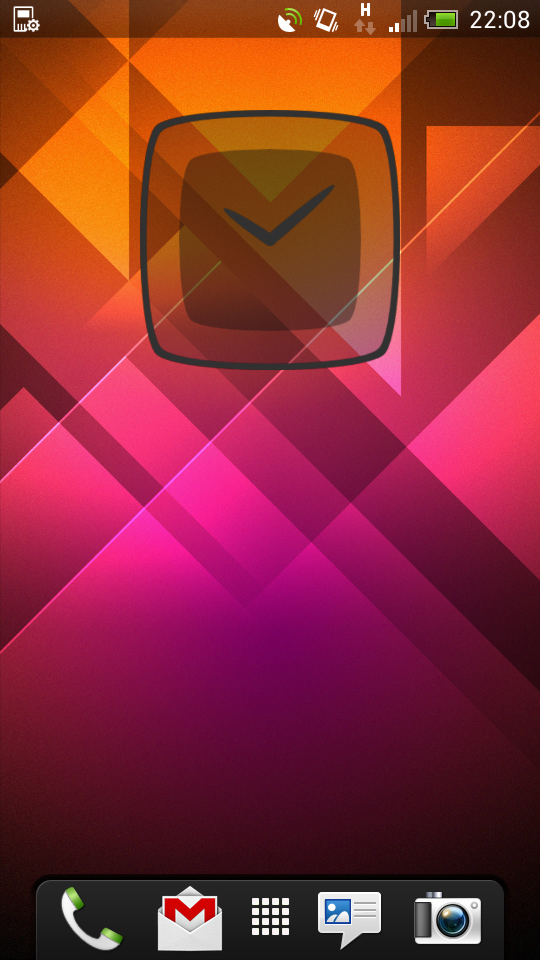
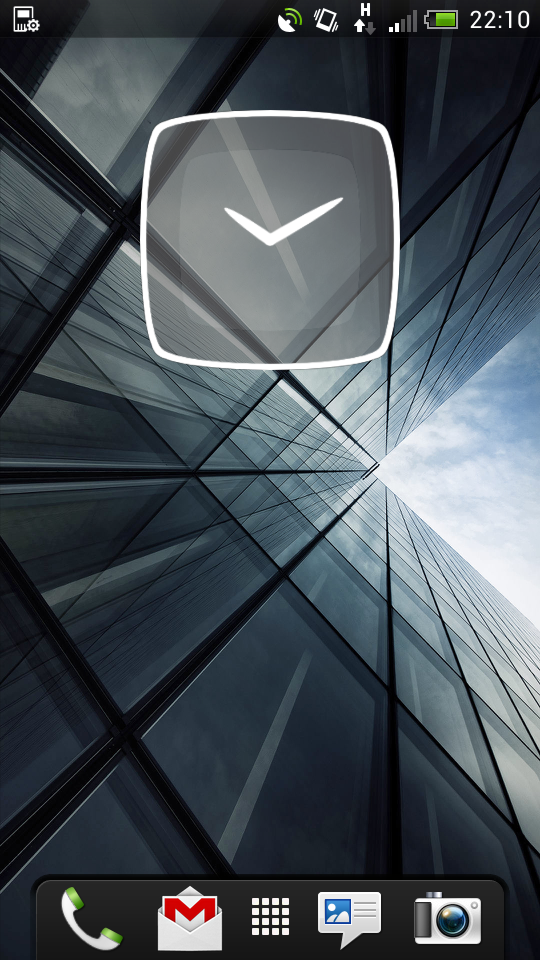
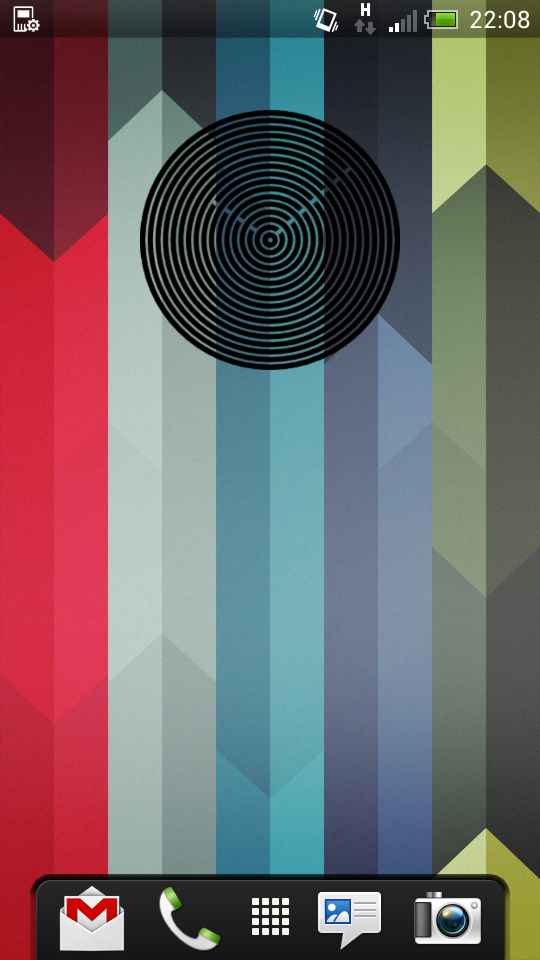
Here's a nice collection of clock widgets for you customization freaks. Nothing fancy, nothing flashy, just solid-looking widgets that work even with high-res screens. Enjoy.
--
A simple android clock widget for your homescreen in a minimal design. If you search for a special analog clock widget for your android phone, this is something for you. Have Fun with your new Clock widget! I'm an independent developer and doing this widget for fun. Please support me by share this app on Google+, Twitter, Facebook or tell your friends. It keeps me motivated.



Monday, 17 June 2013
DashClock Widget Apk Free Download Android Apps
If you have a device running Android 4.2, there is literally no reason to avoid checking out DashClock Widget. This app comes from Googler Roman Nurik and it completely transforms your lock screen. Despite already being excellent, DashClock just got an update with more features.
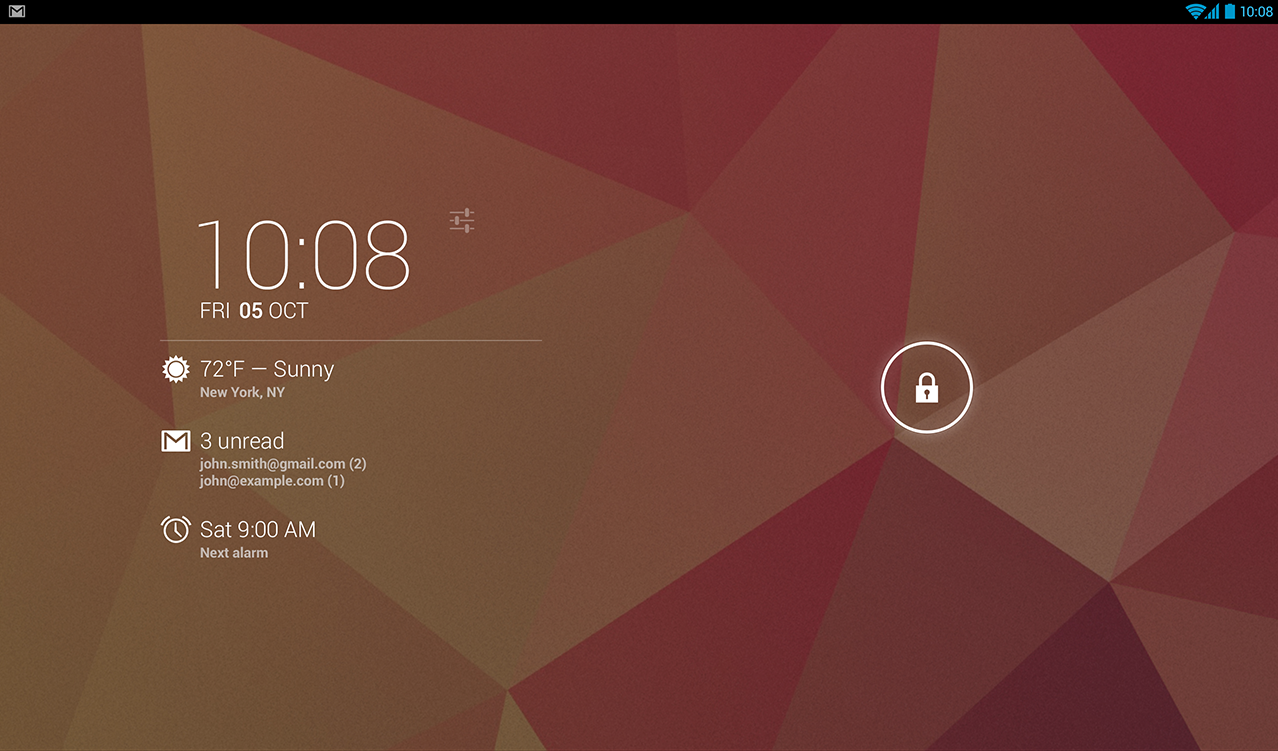


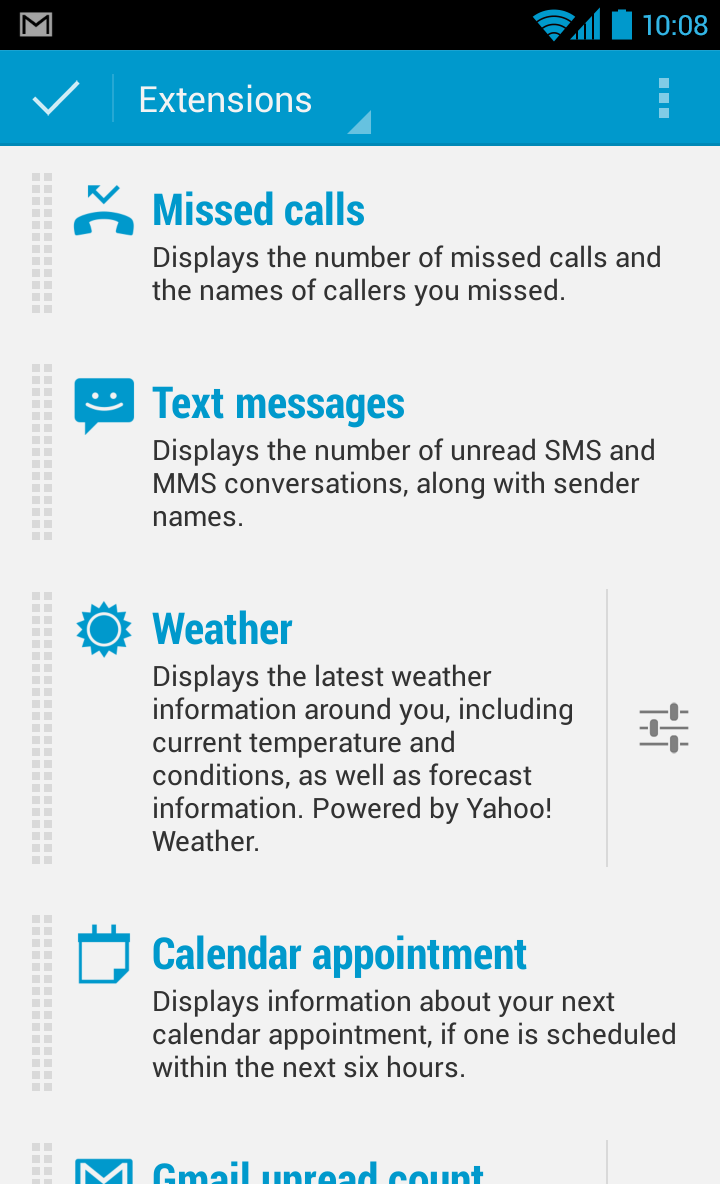
For those not aware, DashClock is a lock screen widget for Android 4.2 devices. It uses extensions to pull data from various sources and drops everything you select into the widget. Third-party developers can also add support for DashClock to their apps via APIs. Version 1.5 of DashClock brings a few new user-facing features to the table, including Daydream support and more detailed weather information. Developers will be pleased to learn there are new API features to make better extensions too. Here is the full changelog:
- NEW! Use DashClock with Android 4.2's Daydream feature; great for use with desktop docks!
- NEW! Option to specify a manual location for weather
- Weather extension now shows high/low information
- Calendar extension now shows the current appointment if it started in the past 5 minutes
- Fixed a number of bugs with the Gmail and SMS extensions
- For developers: New API features

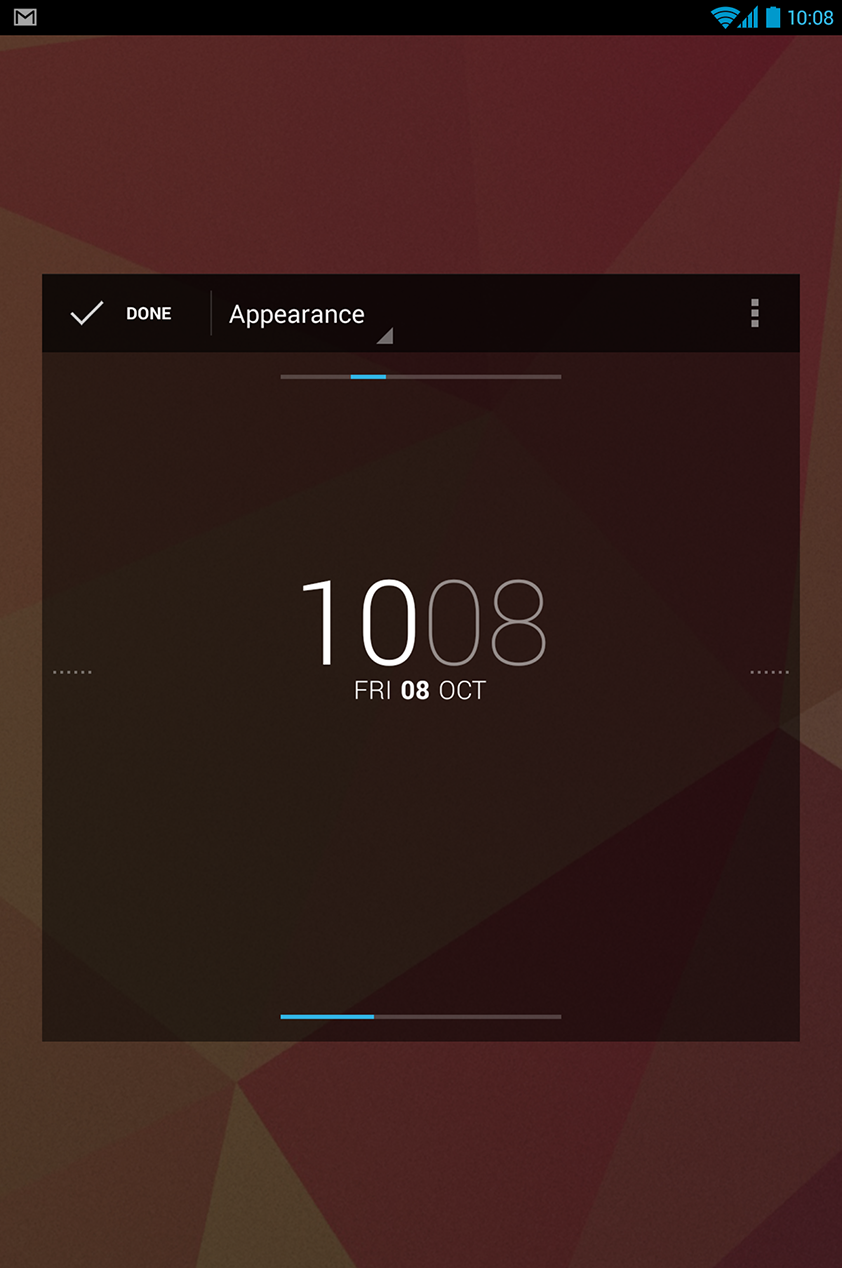
DashClock is worlds better than the stock widgets Google includes with Android. You can jump right from DashClock to any app you have plugged in, or simply use it as a hub of glanceable information. DashClock is inexplicably free.
DashClock Widget
|


DigiCal Calendar & Widgets Apk Free Download Android Apps
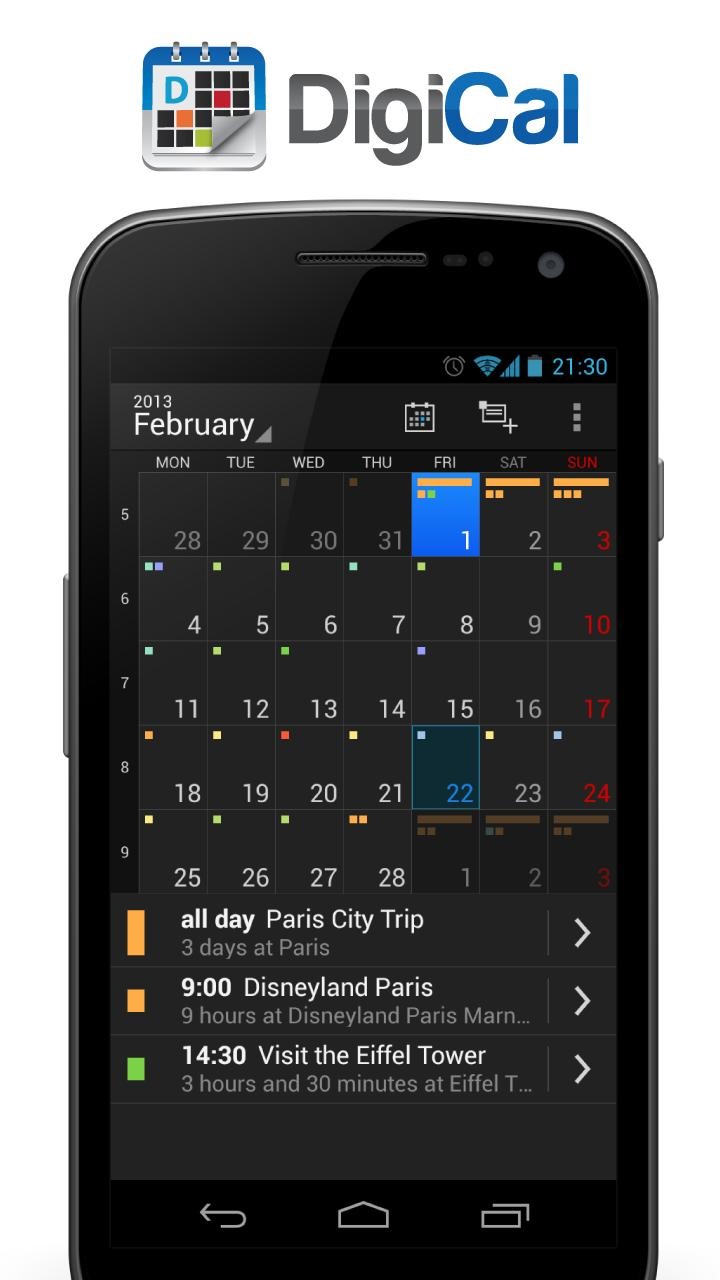
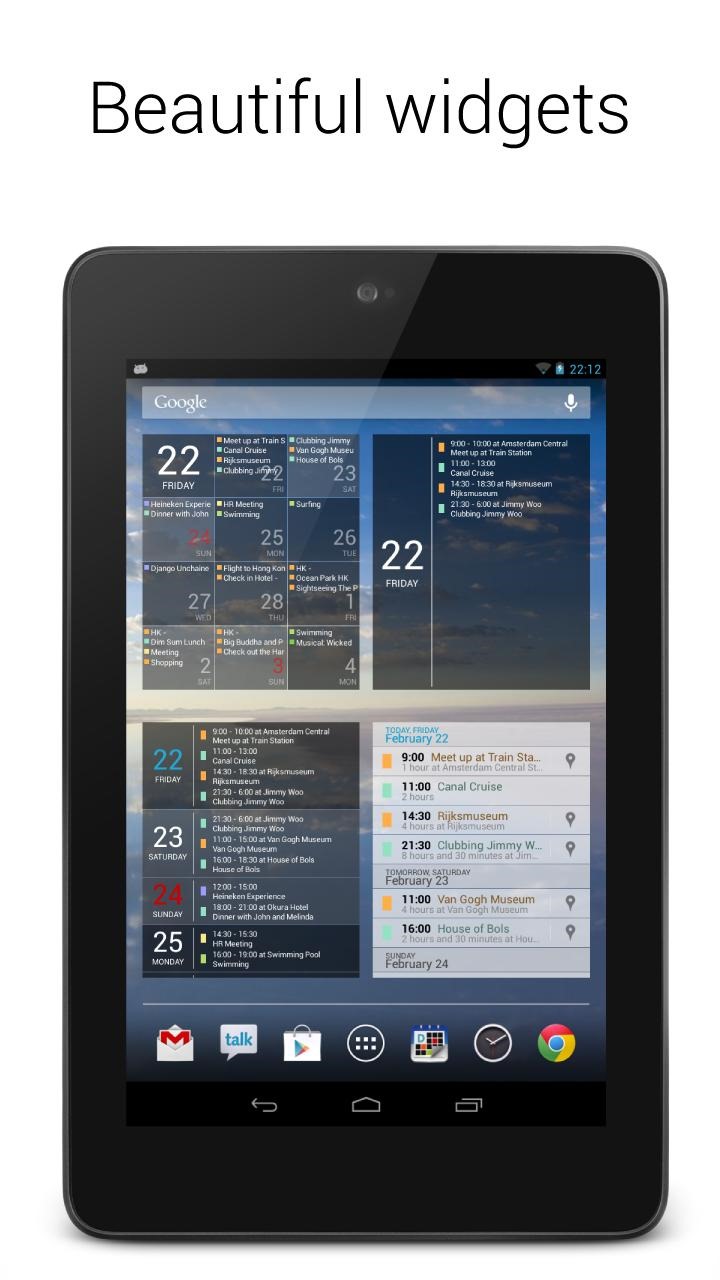
Today's roundup is presented by DigiCal Calendar & Widgets from Digibites. DigiCal is a complete calendar solution that integrates with Google Calendar, matching it feature-for-feature and then some. A wide selection of calendar views (agenda, day, week, month, text month, list) and great tablet compatibility means that your calendar will look great and be easy to use no matter what device you're using. DigiCal also includes a variety of widgets, all of which put the stock Google Calendar to shame, and integrated location search within the app. DigiCal even checks Google Now for travel and traffic time, letting you know when you'll need to leave to avoid being late. The standard DigiCal is free, but the $4.95 DigiCal+ includes a month widget, extra visual options, and zero ads.
--
Experience the most stylish Android calendar with Holo light and dark themes with 6 powerful calendar views and 5 beautifully designed widgets! DigiCal is a stylish and easy to use calendar application that syncs all your appointment with Google Calendar. You can choose from 6 powerful calendar views (day, week, agenda, month, text month and list) in both portrait and landscape mode. DigiCal also comes with 5 beautiful widgets (list, grid, day, day list and month). Following the latest Android Holo light and dark theme, DigiCal is bringing the clean and intuitive user interface experience to smartphones and tablets running Android 2.2+. DigiCal’s innovative features such as the smart action bar make it easy to edit, move, copy, paste and delete events. With our unique built-in location search, adding a location to your event has never been easier. All you need to do is type in the name of the place (cafe, store, and park) and DigiCal will automatically look up the address and save it. With this feature, Google Now (Android 4.1+) knows where you'll need to go. It'll watch current traffic, plan your route and notify you when you should leave.


DigiCal Calendar & Widgets
|


DigiCal+ Calendar & Widgets
|


Monday, 10 June 2013
Desktop VisualizeR Apk Free Download Android Apps

Desktop VisualizeR(DVR) makes shortcuts or widgets with the image specified or the icon of another application for the Home screen. You can change the icon when you create a shortcut.
Don’t know the exact size for widget images? Purchase DVRImageCrop or DVRImageSlicer. Some of widgets in screen shots are created by these add-ons. Please try.
Usage:From Home screen press menu->add->Widgets or Shortcuts->Desktop VisualizeR
* The crash log will be sent to us using our web server through the internet.
** Simple backup/restore, a new function of ver 1.4.0, tutorial **
1. Put DVR widgets on your homescreen.
2. Launch DVR and select menu > “Backup widgets” to make backup.
3. Select menu > “Refresh Widgets” > “Edit Mode” to enter edit mode.
4. Tap each widget and change widget image, action and so on.
5. Launch DVR again and select menu > “Backup widgets” to make backup.
6. Select menu > “Restore widgets” and choose the backup created at step 2 for the first state of widgets.
7. Select menu > “Restore widgets” and choose the backup created at step 5 for the second state of widgets.
Don’t know the exact size for widget images? Purchase DVRImageCrop or DVRImageSlicer. Some of widgets in screen shots are created by these add-ons. Please try.
Usage:From Home screen press menu->add->Widgets or Shortcuts->Desktop VisualizeR
* The crash log will be sent to us using our web server through the internet.
** Simple backup/restore, a new function of ver 1.4.0, tutorial **
1. Put DVR widgets on your homescreen.
2. Launch DVR and select menu > “Backup widgets” to make backup.
3. Select menu > “Refresh Widgets” > “Edit Mode” to enter edit mode.
4. Tap each widget and change widget image, action and so on.
5. Launch DVR again and select menu > “Backup widgets” to make backup.
6. Select menu > “Restore widgets” and choose the backup created at step 2 for the first state of widgets.
7. Select menu > “Restore widgets” and choose the backup created at step 5 for the second state of widgets.
CURRENT VERSION : 1.4.0
REQUIRES ANDROID : 1.5 and up
REQUIRES ANDROID : 1.5 and up

Friday, 7 June 2013
DigiCal Calendar & Widgets Apk Free Download Android Apps
Today's roundup is presented by DigiCal Calendar & Widgets from Digibites. DigiCal is a complete calendar solution that integrates with Google Calendar, matching it feature-for-feature and then some. A wide selection of calendar views (agenda, day, week, month, text month, list) and great tablet compatibility means that your calendar will look great and be easy to use no matter what device you're using. DigiCal also includes a variety of widgets, all of which put the stock Google Calendar to shame, and integrated location search within the app. DigiCal even checks Google Now for travel and traffic time, letting you know when you'll need to leave to avoid being late. The standard DigiCal is free, but the $4.95 DigiCal+ includes a month widget, extra visual options, and zero ads.
--
Experience the most stylish Android calendar with Holo light and dark themes with 6 powerful calendar views and 5 beautifully designed widgets! DigiCal is a stylish and easy to use calendar application that syncs all your appointment with Google Calendar. You can choose from 6 powerful calendar views (day, week, agenda, month, text month and list) in both portrait and landscape mode. DigiCal also comes with 5 beautiful widgets (list, grid, day, day list and month). Following the latest Android Holo light and dark theme, DigiCal is bringing the clean and intuitive user interface experience to smartphones and tablets running Android 2.2+. DigiCal’s innovative features such as the smart action bar make it easy to edit, move, copy, paste and delete events. With our unique built-in location search, adding a location to your event has never been easier. All you need to do is type in the name of the place (cafe, store, and park) and DigiCal will automatically look up the address and save it. With this feature, Google Now (Android 4.1+) knows where you'll need to go. It'll watch current traffic, plan your route and notify you when you should leave.
DigiCal Calendar & Widgets
|
DigiCal+ Calendar & Widgets
|


